
Creating a new AMPup Publisher
In AMPup, a Publisher is the primary entity for managing your customer's subscriptions and interactions with the Microsoft Marketplace. In Partner Center, a Publisher is an entity that creates and manages offers.
One Organization in AMPup can have multiple Publishers (for example separate product lines or brands). Generally, for each Seller ID in Partner Center, there is a Publisher in AMPup.
Create a new AMPup Publisher
After registering a new account in AMPup, the first thing you need to do is create a new Publisher.
- Log in to your AMPup account.
- Click the Microsoft Marketplace node in the left sidebar.
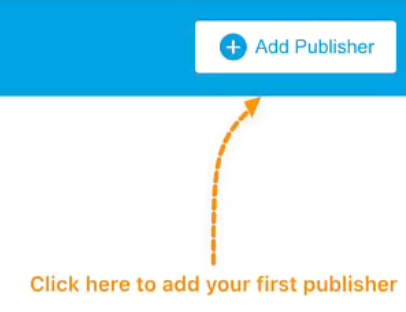
- In the upper right of the screen, click the "Add Publisher" button. The new Publisher dialog will appear.
- Enter the Publisher name, Seller ID, and description.
Note that the Seller ID and Description are optional, but recommended. The link next to the Seller ID label will open the Partner Center Seller ID page in a new tab.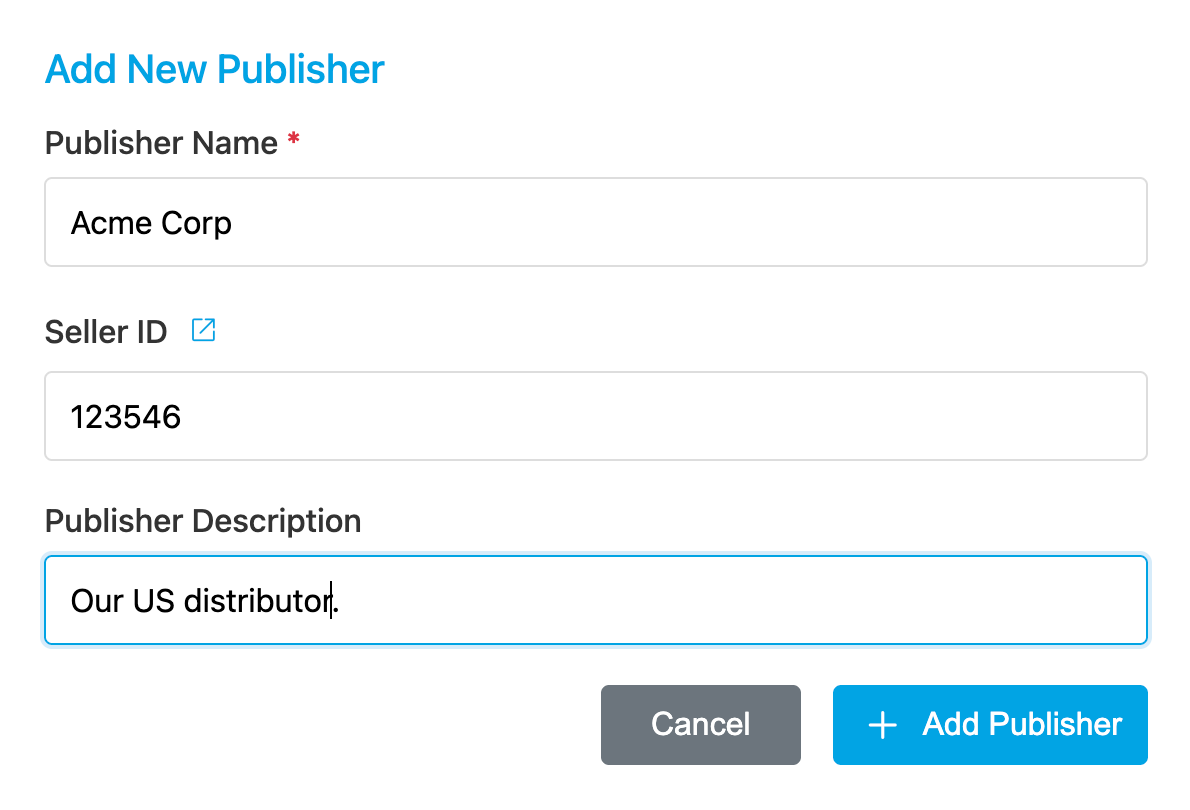
- Click the "Add Publisher" button to create the new Publisher.
Publishers are created in AMPup immediately.